EN
EN

Hot Stamping Foil on UV-Varnished Cartons: What Buyers Should Check
2026/10/28
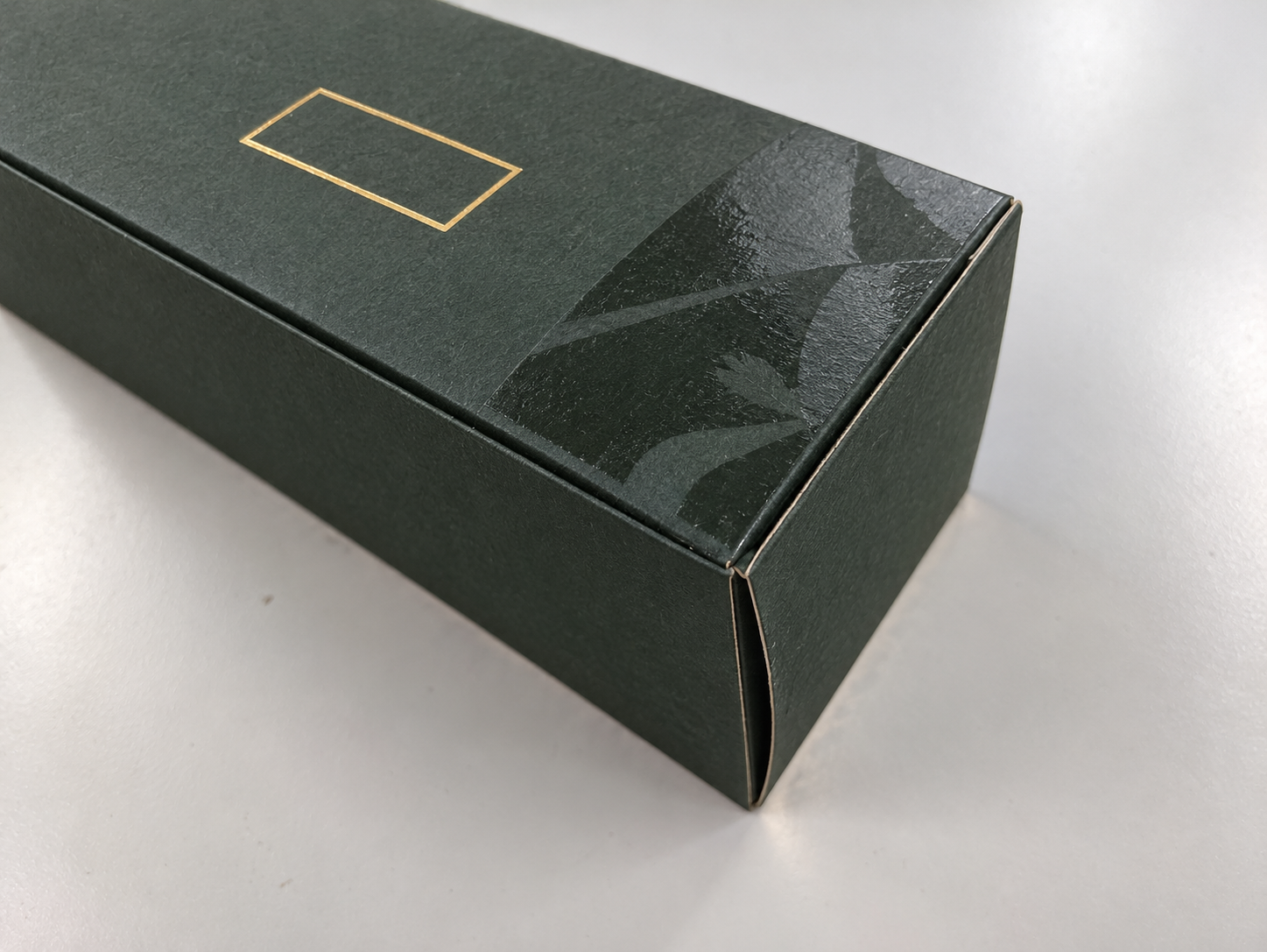
Gold foil can be stamped on selected UV-varnished cartons, but the surface and foil must match. Learn what to check before approving a finished box.
2026/10/12
2026/10/12
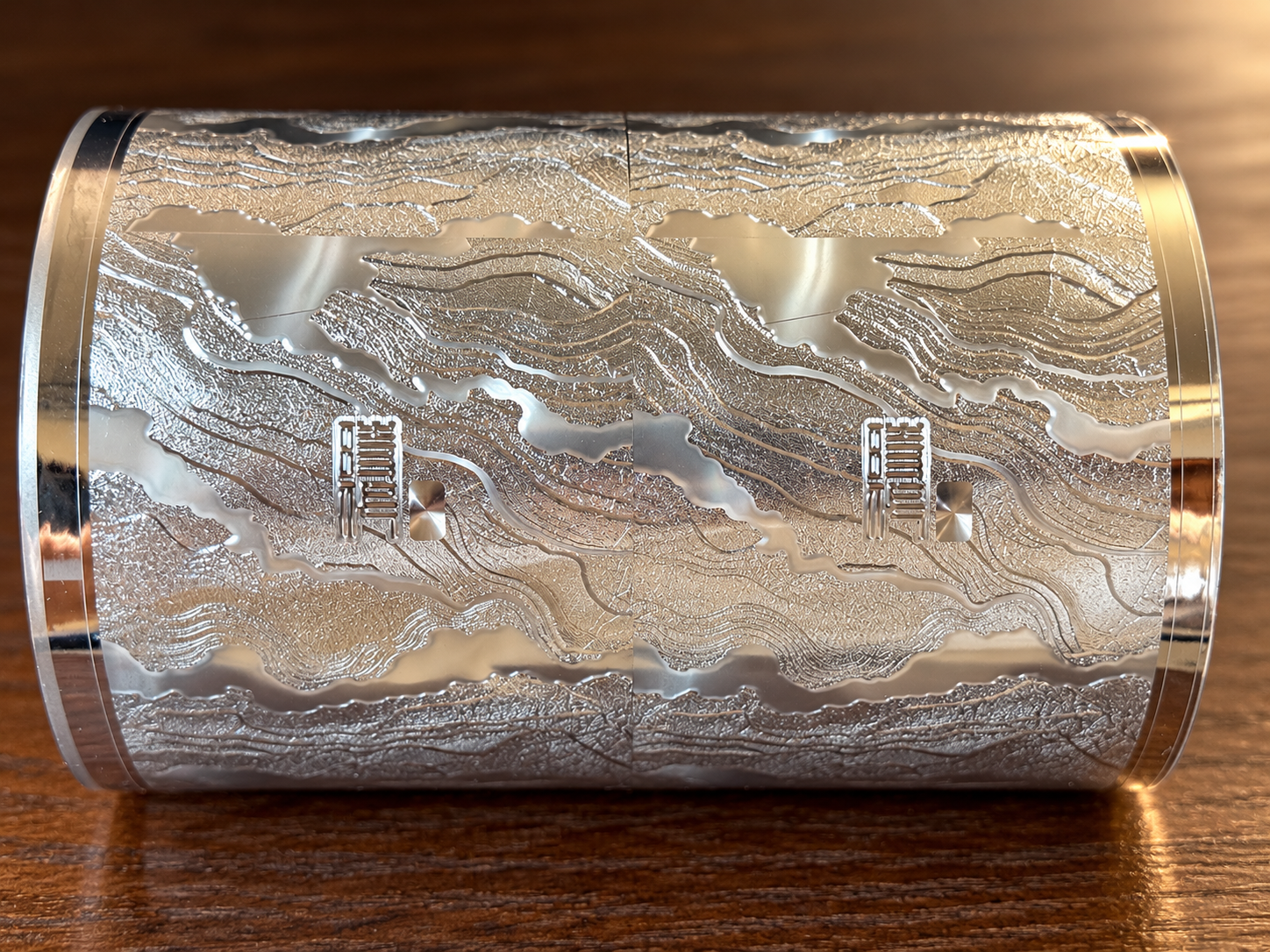
A package design can look crisp on screen, yet the stamped version may tell a different story. Small letters run together. A thin border breaks. The tiny spaces inside a logo disappear. Before blaming the foil, it helps to understand what is happening at the design, material and press stages.
Hot foil stamping transfers a foil layer to selected areas of a surface using a heated die and pressure. Fine details leave less room for variation than broad shapes, so a small change in artwork spacing, surface texture or die contact can become visible on the finished piece.
When foil is transferred, the areas meant to receive foil need to remain distinct from the areas that should stay clear. If strokes are too close, foil can bridge the gap and make separate marks look joined. If a stroke is extremely narrow or the contact is uneven, parts of it may not transfer, leaving a broken or incomplete line.
Pay special attention to reverse artwork: small unfoiled letters or lines surrounded by a large foil area. Their open spaces must remain clear, and they can be more difficult to hold than a positive foil line. Serif letters, tiny counters and dense decorative borders deserve a close look at final size.
Enlarge the foil layer in the final artwork and inspect three things: the open spaces inside small letters; the distance between neighboring strokes and borders; and any fine reverse text surrounded by a solid foil area. If details already touch or nearly touch in the file, changing press settings may not restore the intended design. The designer and printer may need to open the spacing, strengthen a stroke or simplify a very intricate element.
Do not judge only from a zoomed-in screen view. Check the artwork at the actual package size. A line that looks generous at 400% zoom may be barely visible on the finished carton.
The same artwork may behave differently on different stocks. Surface texture, coating and later finishing can affect how evenly the foil transfers and how sharp its edges appear. A design that works on a smooth coated board should not automatically be assumed to work the same way on a textured or differently finished surface.
Whenever possible, test on the material planned for production. If the package will be laminated, varnished or otherwise finished after stamping, include that step in the approval plan so the team reviews the complete result rather than an unfinished sample.
If the artwork is clear but the result repeatedly shows missing strokes or filled gaps, ask the printer to inspect the stamping die and the contact across the image. Die construction, machine condition and process settings can all matter. There is no single minimum line width that guarantees success across every die, substrate and press.
For example, Pantec's file-preparation guide lists line and spacing recommendations for the conditions covered by that guide. Treat such figures as a starting point for discussion, not a universal production promise. Confirm fine detail with the actual printer, material and stamping setup.
This sequence helps separate an artwork issue from a material or press issue. It also avoids changing several settings at once and losing track of what actually improved the result.
Fine foil work is a team decision: the designer controls the artwork, the printer controls the die and press, and the material influences the transfer. If a small word, logo or line is important to the package, flag it before tooling and test it at final size on the intended stock. A short conversation before production can prevent a detail that looked perfect on screen from disappearing on press.
A more useful fine-detail trial
Before the next press trial, separate what you can inspect before production. Ask the designer for a full-size detail view alongside the complete layout. Mark the smallest positive strokes, the narrowest gaps and any reverse text; note which details are essential and which can be simplified. This makes the review specific instead of relying on a general request for a sharper result.
For hot foil stamping small text, compare the approved artwork with the stamped sample at normal viewing distance and under consistent lighting. Record the stock, surface finish, die version and press conditions for each test. If a gap closes, check whether the artwork leaves enough open space; if a stroke breaks, ask the printer to inspect transfer consistency and die contact. Keep each sample with its settings. This record helps the team judge whether an adjustment improved fine lines without changing several factors at once or assuming one setting will work for every job.
2026/10/28
Gold foil can be stamped on selected UV-varnished cartons, but the surface and foil must match. Learn what to check before approving a finished box.
2026/10/26
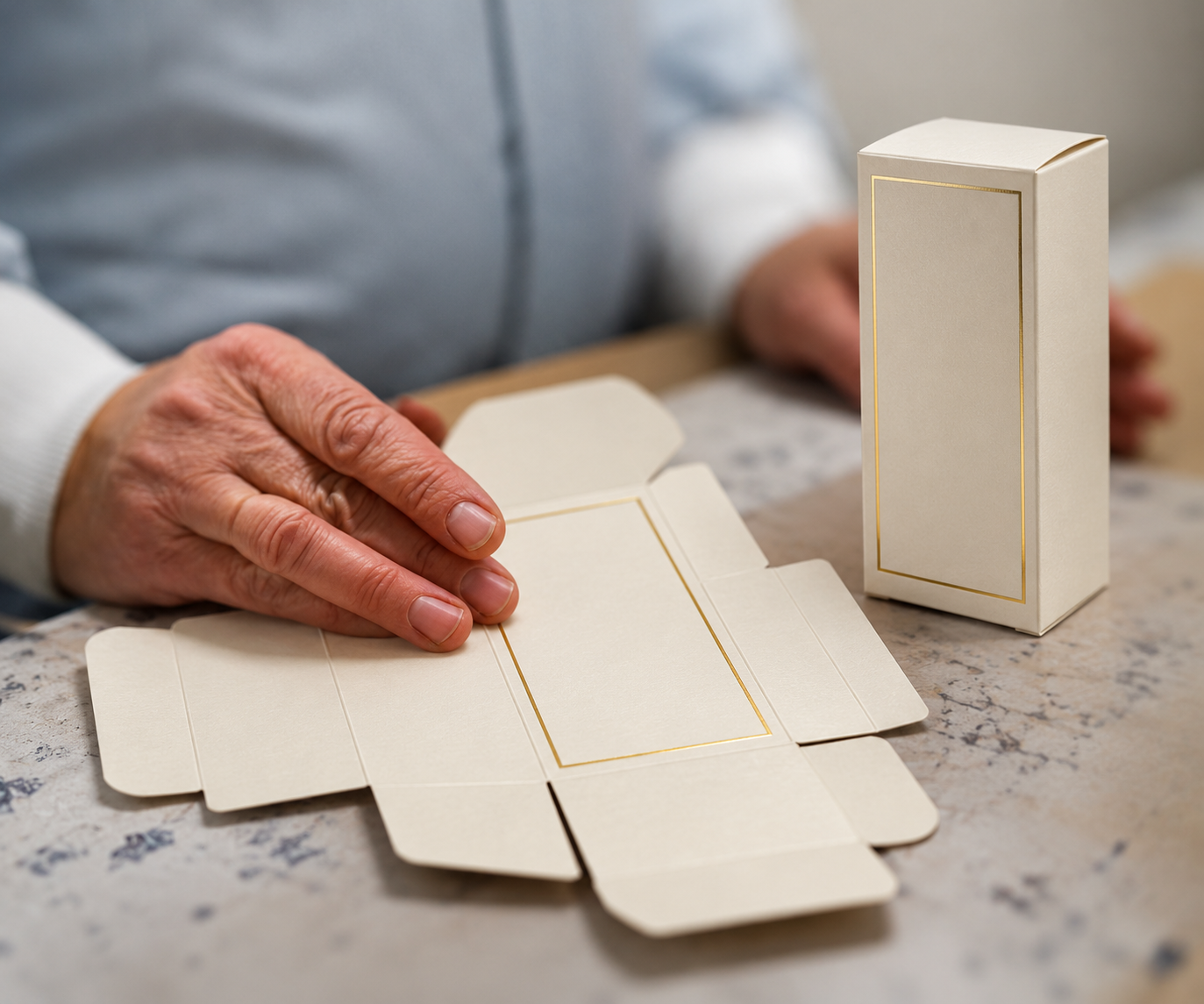
Gold foil can look perfect on a flat carton and crack after folding. See what to check in the artwork, board, crease and finished sample.
2026/10/27
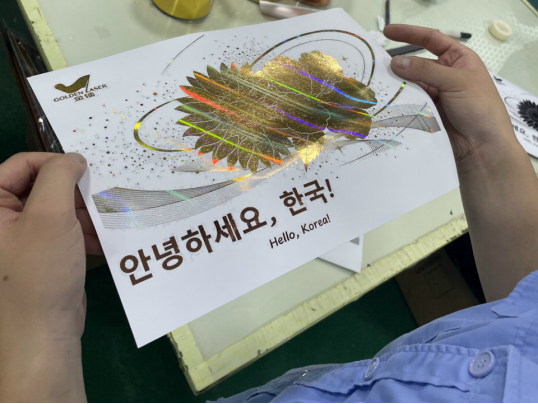
Hot stamping foil delivers metallic and holographic decoration for packaging, with reliable release, adhesion, and press performance.
2026/10/26
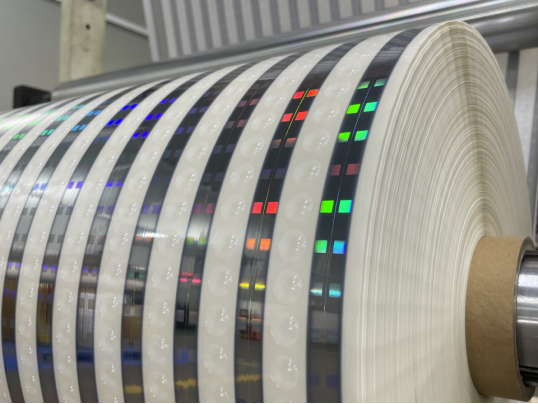
Holographic foil and hologram technology add layered authentication to packaging, supporting brand protection with verifiable optical security.
2026/10/23
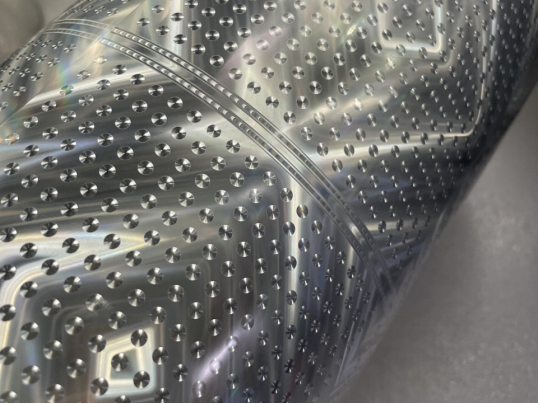
Holographic foil and hot stamping elevate packaging perceived value with consistent optical effects for premium cartons.
2026/10/22
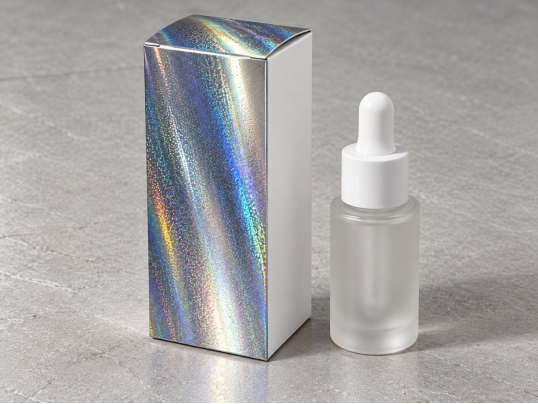
Holographic paper for cosmetic cartons adds light-shifting effects, foil stamping performance, and premium shelf appeal for beauty packaging.